
A day worth keeping.
Write a little. Keep the details. Return years later. Daybook is a private journal for one person, built for Renkara’s own use. It is not a product, is not for sale, and takes no sign-ups.
Internal to Renkara. Daybook is a tool Renkara Media Group builds and runs for itself. It is not for sale, and there is nothing to buy or join.
A place for the ordinary days.
The archive lives on the device. Writing and searching do not wait for a sync server. These screens use an invented StrataForge Robotics journal, never a real person’s entries.
Write, then return
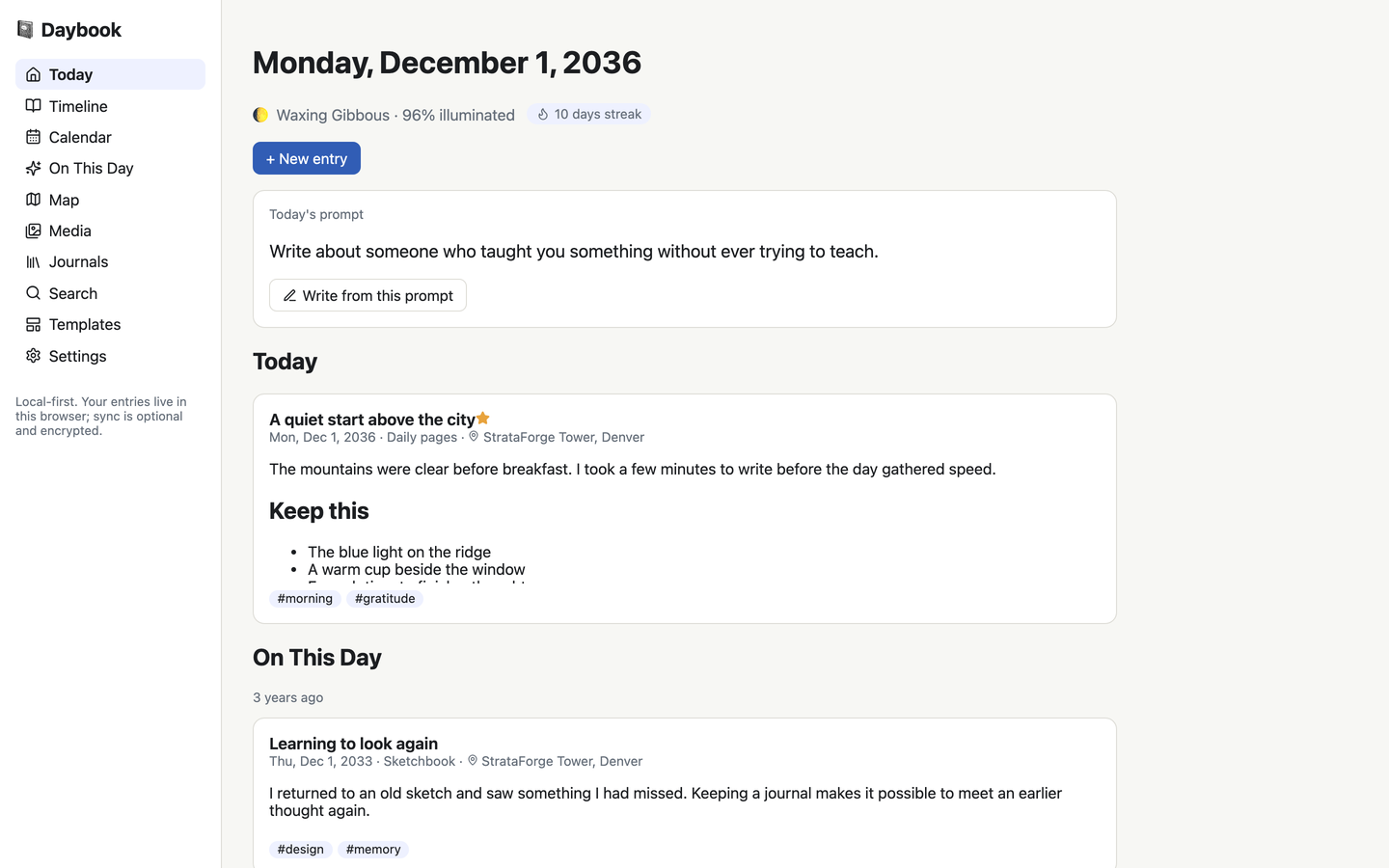
A page for today
Today puts the daily prompt, today’s entries, a writing streak, and earlier memories together.
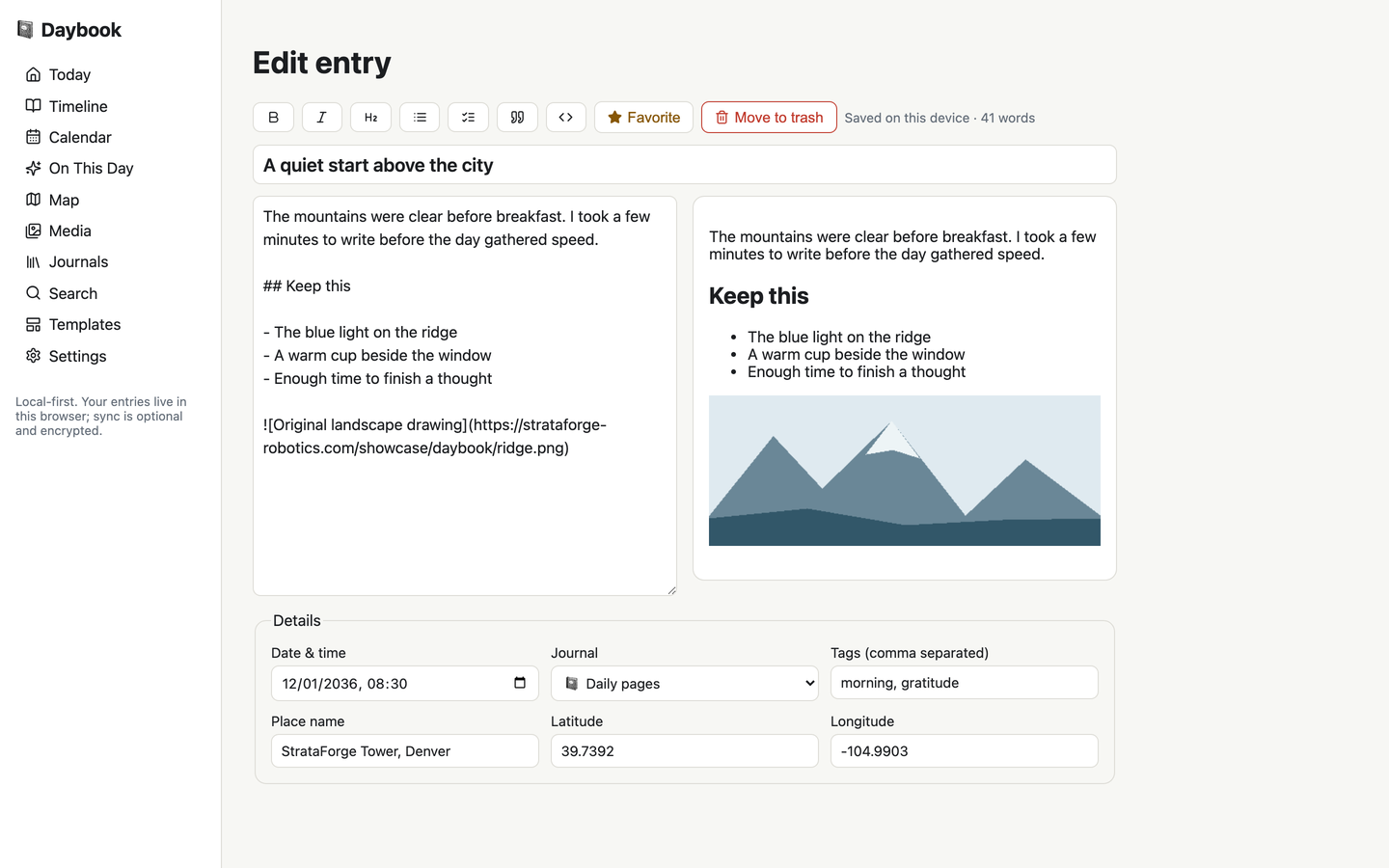
Source and preview
Markdown is the entry’s source. Formatting buttons and a preview sit beside the writing field; the editor saves locally after a pause.
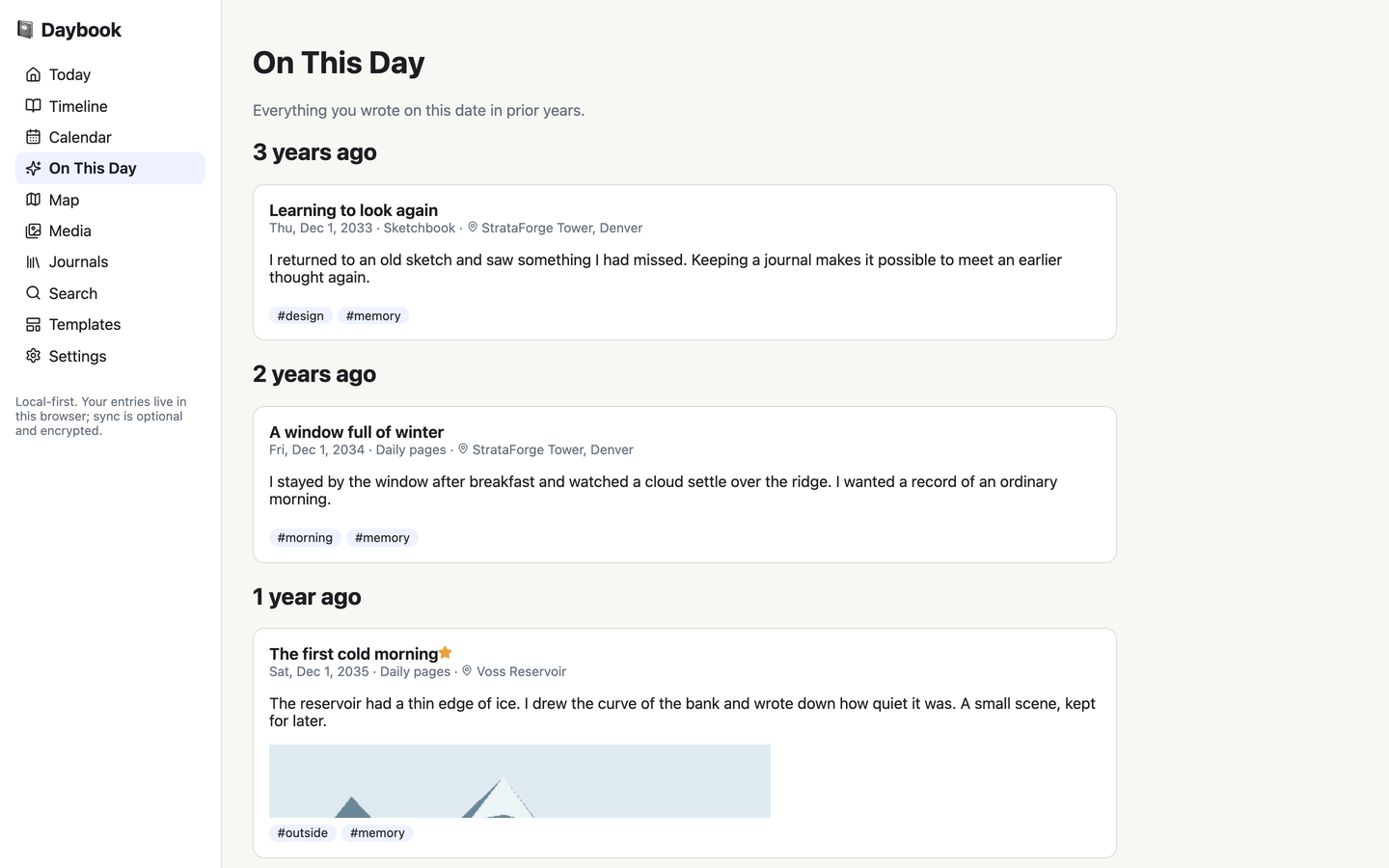
The same date, years apart
On This Day brings together entries from this date in earlier years. The date logic uses each entry’s recorded time zone.
Find the day again
Timeline and separate journals
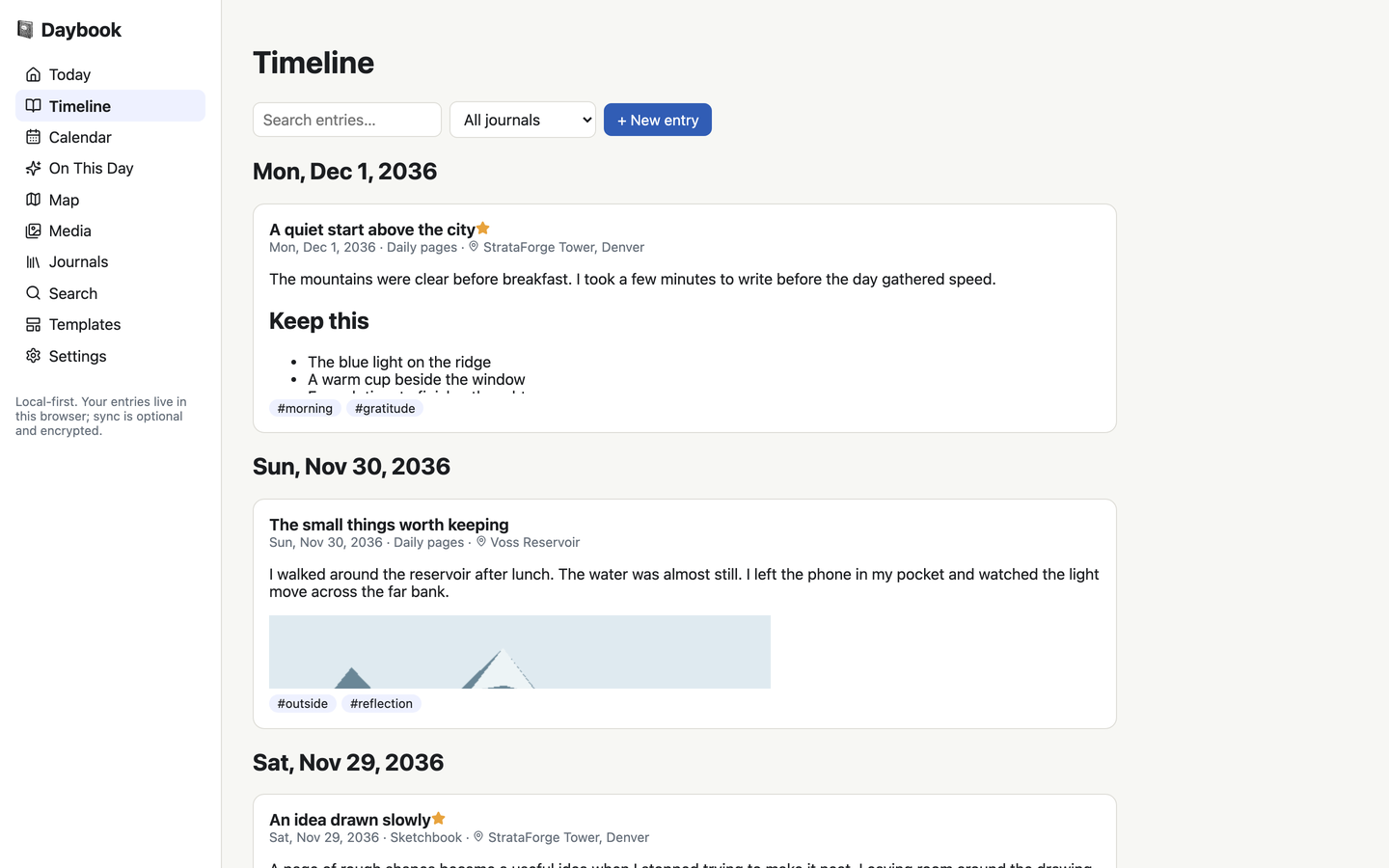
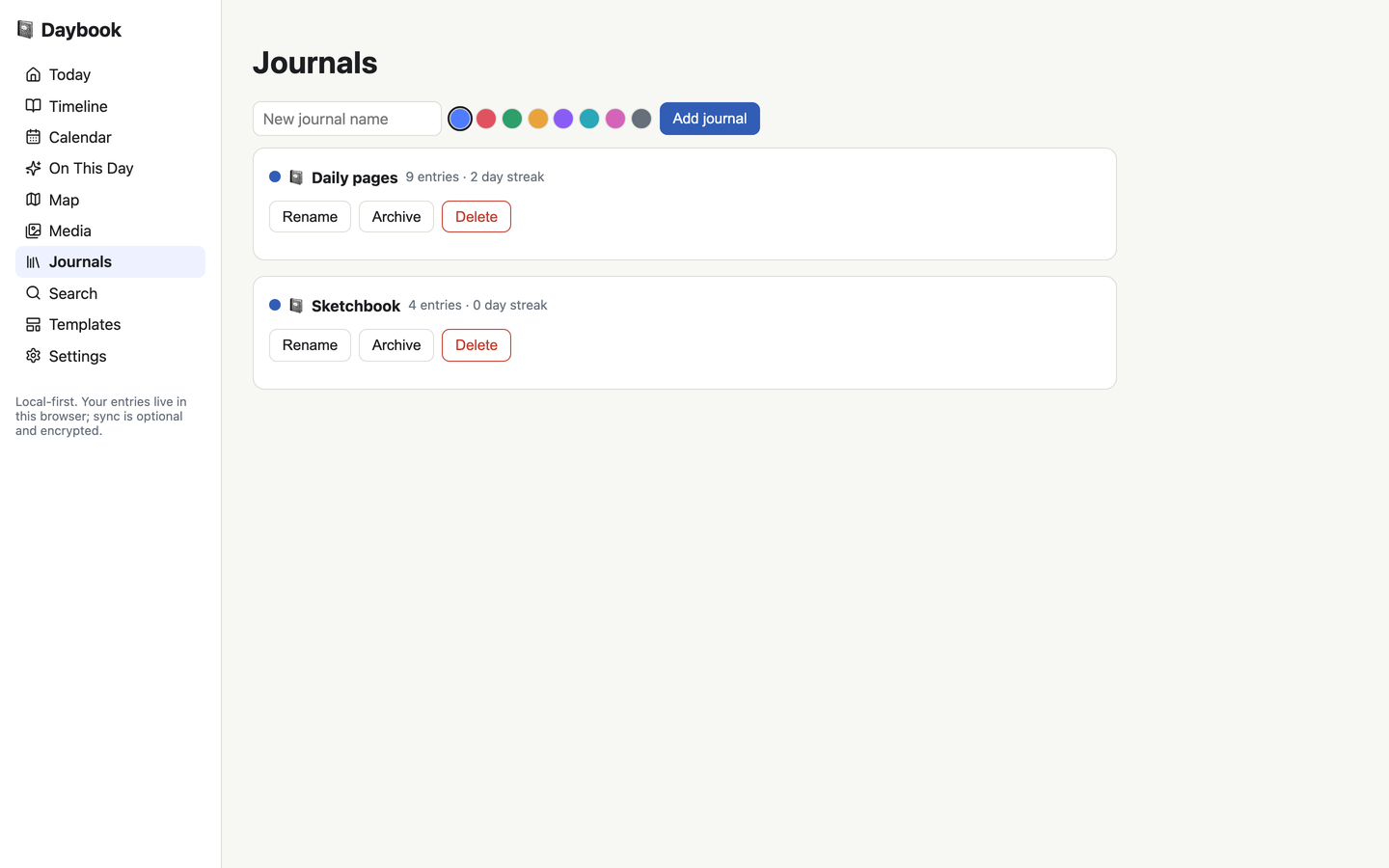
Keep daily pages and a sketchbook in separate journals. Browse the archive in date order, or narrow the Timeline to one journal.
A calendar with a memory
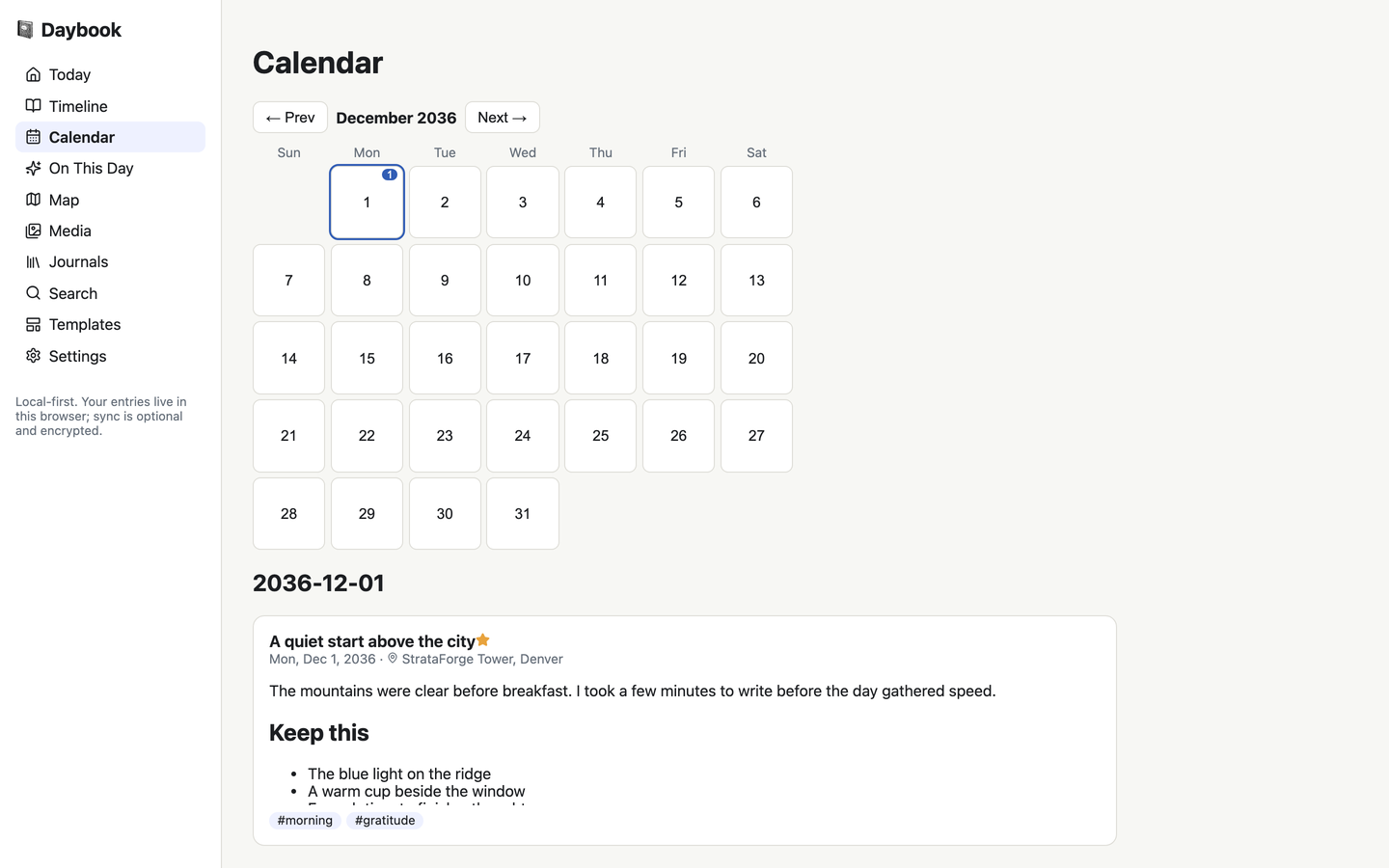
Each day shows its entry count. Select a date to read the entries that belong to it.
Search on the device
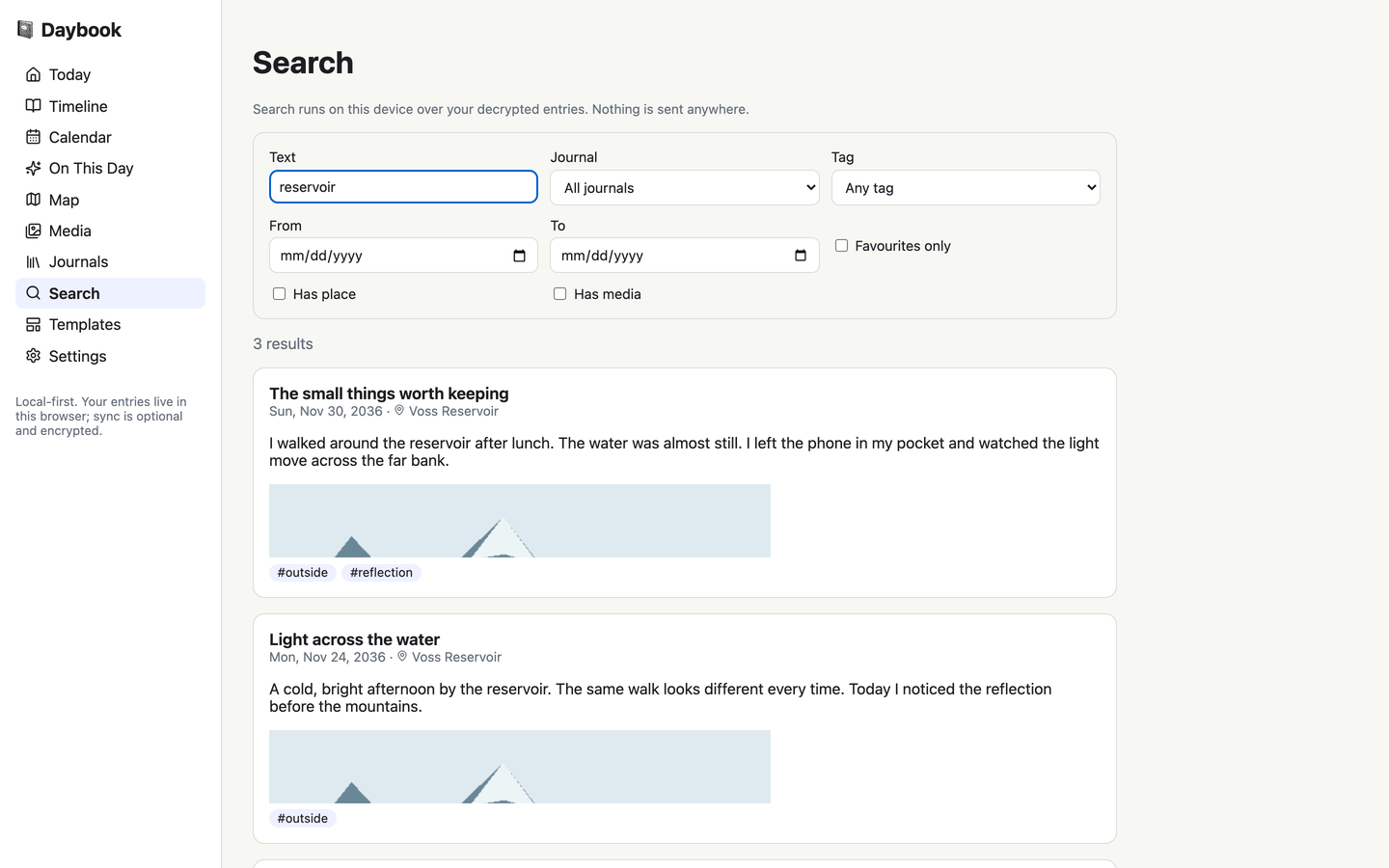
Search titles, bodies, tags, and place names locally. Combine a phrase with journal, tag, date, favorite, place, and media filters.
Private by purpose
Journal content is encrypted before upload
Optional sync encrypts each entry on the device before sending it. The server stores the encrypted payload, not the title, body, tags, place, or weather.
- No telemetry
- Daybook includes no analytics or crash-reporting client. Its own server access logger records the request method, path, and response status.
- A journal has a way out
- Bring an existing journal in from its JSON export. Export an open-format JSON archive or Markdown; the app warns that exports are plaintext.
From a moment to a memory
Write
Begin with a blank entry, a daily prompt, or a template.
Keep
The editor saves the entry on this device, with its date, journal, tags, and place.
Return
Browse Timeline, select a calendar date, or find the same date in a past year.
Built so everyone can use Daybook.
Daybook’s web app has native controls, labeled editor fields, and a layout that changes to one column on a narrow screen. The product evidence below is limited to source inspection and a scripted seven-view scan; no WCAG conformance level is claimed.
Partly supported
Keyboard operation
The web app uses native links, buttons, and labeled fields. A scripted Tab check reaches a control on Timeline. A complete keyboard audit has not been performed.
Not yet tested
Screen reader landmarks and labels
The web app has not been tested with a screen reader. Automated checks do not establish how the journal reads aloud.
Supported
Contrast in light and dark
The automated color-contrast rule found no violations on the seven scanned views at 375 and 1440 pixels, in light and dark. This is not a complete manual audit.
Not yet tested
Reduced motion
The capture uses the reduced-motion preference. A preference-by-preference motion audit has not been performed.
Not yet tested
Text resize and zoom
Text at 200 percent has not been tested in the product.
Partly supported
Mobile and touch
The web layout changes to a single column below 760 pixels. The recorded scan checks seven views for sideways page scrolling at 375 pixels.
Under the hood
| Writing |
|
|---|---|
| Privacy |
|
| Archive |
|
| Clients |
|
On iPhone, iPad, and Mac
- Daybook for iOSiPhone and iPad
The SwiftUI source includes Today, Timeline, Calendar, On This Day, journals, search, and an editor, backed by a local store in DaybookKit. Native images and device-test claims are not part of this showcase.
Questions people ask
Can I sign up for Daybook?
No. Daybook is a private journal for one person, built for Renkara’s own use. It is not a product and is not for sale.
Are these real journal entries?
No. Every product screen shows an invented StrataForge Robotics journal. Entries and weather are synthetic; the landscape images are original drawings.
Does encryption protect the local browser copy too?
The web app stores its working journal in browser local storage. The encryption described here protects journal-content uploads. Plaintext exports and the local working copy need the care appropriate to a private journal.
Is Daybook running in production?
No. This showcase describes the code and its local preview; Daybook is not deployed.
Questions about this tool?
Write to Renkara Media Group and a person will answer.